
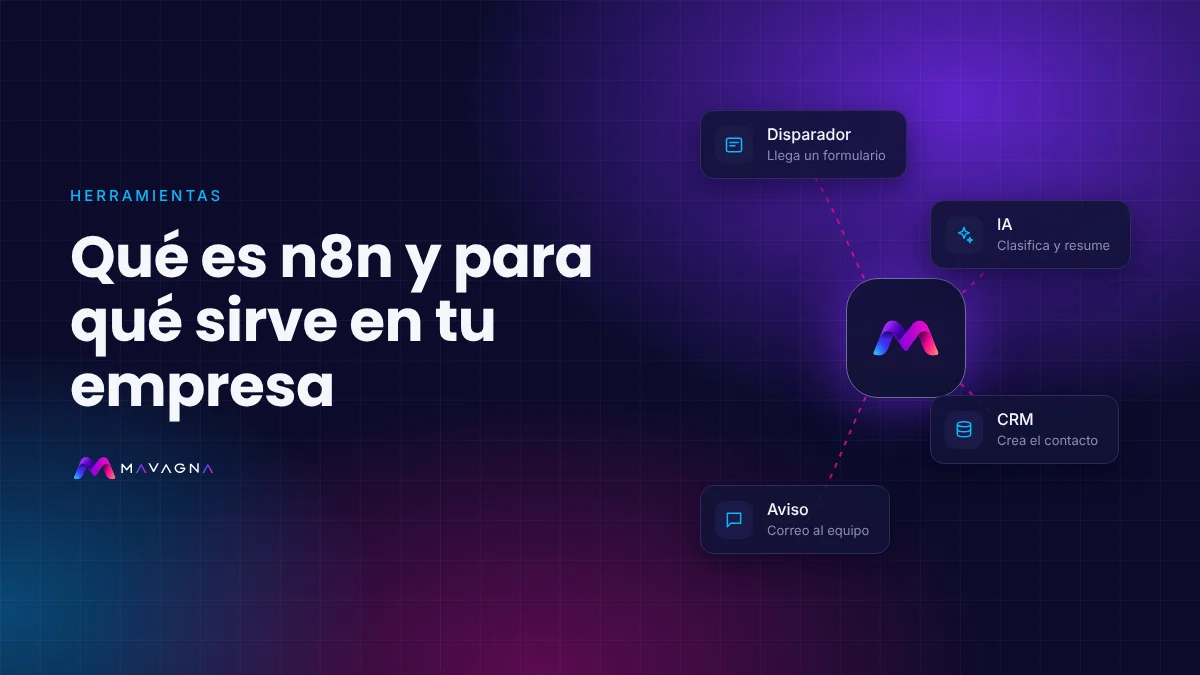
What n8n is, explained without jargon
n8n (pronounced “n-eight-n”, from nodemation) is a tool that lets your apps talk to each other so nobody has to copy and paste data. It was born in Berlin in 2019 and is now one of the most widely used automation platforms in the world, especially for projects involving artificial intelligence.
It works like a board on which you draw the process with blocks: “when a form arrives from the website, let the AI read it, create the contact in the CRM and notify the salesperson”. Once it is set up, the process runs on its own, at any hour, and every step is logged.
How n8n works
Everything in n8n is built from four pieces:
- Trigger. What starts the process: a form, a new email, a WhatsApp message, a payment, a row in a spreadsheet or a specific time of day.
- Nodes. Each block does one thing: read an email, look up the CRM, call an AI model, create an invoice, send a message. There are hundreds of ready-made integrations and, if an app isn’t there, it can be connected through its API.
- Logic. Conditions (“if the budget is over X, notify management”), loops, waits and data transformation. And, if needed, a few lines of code.
- Executions. Every time the workflow completes, a record is kept of what came in, what went out and whether anything failed, so it can be reviewed and fixed.
What n8n is used for in a business
- Lead capture. Every contact from the website, an ad or WhatsApp goes into the CRM with its details, gets an instant reply and the right person is notified.
- Administration. It reads invoices and receipts that arrive by email, extracts the data with AI, sends it to accounting and flags anything missing.
- Customer service. It sorts incoming emails, drafts a reply and escalates urgent ones. With a WhatsApp AI agent, it answers and books appointments.
- Sales. It generates quotes from a template, follows up automatically and reminds the salesperson of pending tasks.
- Reporting. It gathers data from several tools and sends a summary of the key figures every Monday.
- Content and marketing. It publishes, schedules and adapts content for each channel, and records the results.
You’ll find more ideas in our guide to processes you can automate with AI.
n8n and artificial intelligence
This is where n8n shines. It includes nodes for working with the main AI models (OpenAI, Anthropic, Google and others) and an AI agent node that can be given tools, memory and a knowledge base with your company’s documents. That is how AI agents are built that don’t just answer, but also check your systems and take action.
The advantage over using AI on its own is control: the agent lives inside a workflow with clear rules, every step is logged, and you decide what it does alone and what it hands over to a person.
Is n8n free? What does it cost?
- Community edition (self-hosted). Free to use within your business: you only pay for the server, from a few euros a month. Its licence is fair-code: you can use and modify it freely for your own processes, but not resell it as a service.
- n8n Cloud. A version managed by n8n, with monthly paid plans based on the number of executions. No server to maintain.
- Enterprise. For large organisations that need single sign-on, advanced permissions and support.
On top of that, if you use AI, there is the cost of the models (usually cents per conversation or document). We go through the numbers in how much AI process automation costs.
Cloud or your own server?
| n8n Cloud | Your own server | |
|---|---|---|
| Getting started | Immediate | It has to be installed and configured |
| Maintenance | Handled by n8n | Updates, backups and security are up to you |
| Cost at high volume | Rises with executions | Practically fixed |
| Where the data is | On n8n’s infrastructure | Wherever you decide (for example, in the European Union) |
n8n, Make or Zapier
Zapier is the easiest for simple workflows; Make is very visual and affordable at medium volume; n8n is the most flexible for AI, can be self-hosted and works out cheaper as volume grows. We compare them in depth in n8n vs Make vs Zapier: which to choose.
What to know before you start
- There is a learning curve. Simple workflows are quick to build, but processes with AI, several apps and error handling require experience.
- If you host it yourself, it needs maintaining. Updates, backups, access control and error monitoring.
- Personal data needs safeguards. Access must be limited, suitable providers chosen and the processing documented in line with the GDPR.
How to get started with n8n
- Pick a repetitive, frequent process with clear steps: for example, adding website contacts to the CRM.
- Map out the process: what triggers it, what steps it has and what result you expect.
- Build it, test it with real cases and measure how many hours it saves before moving on to the next one.
If you’d rather we did it, at Mavagna we design, build and maintain AI automations on n8n, documented and in your own accounts. Ask us for an assessment and we’ll tell you which processes to automate first.